
Jul 6, 2026
The wait is over! 
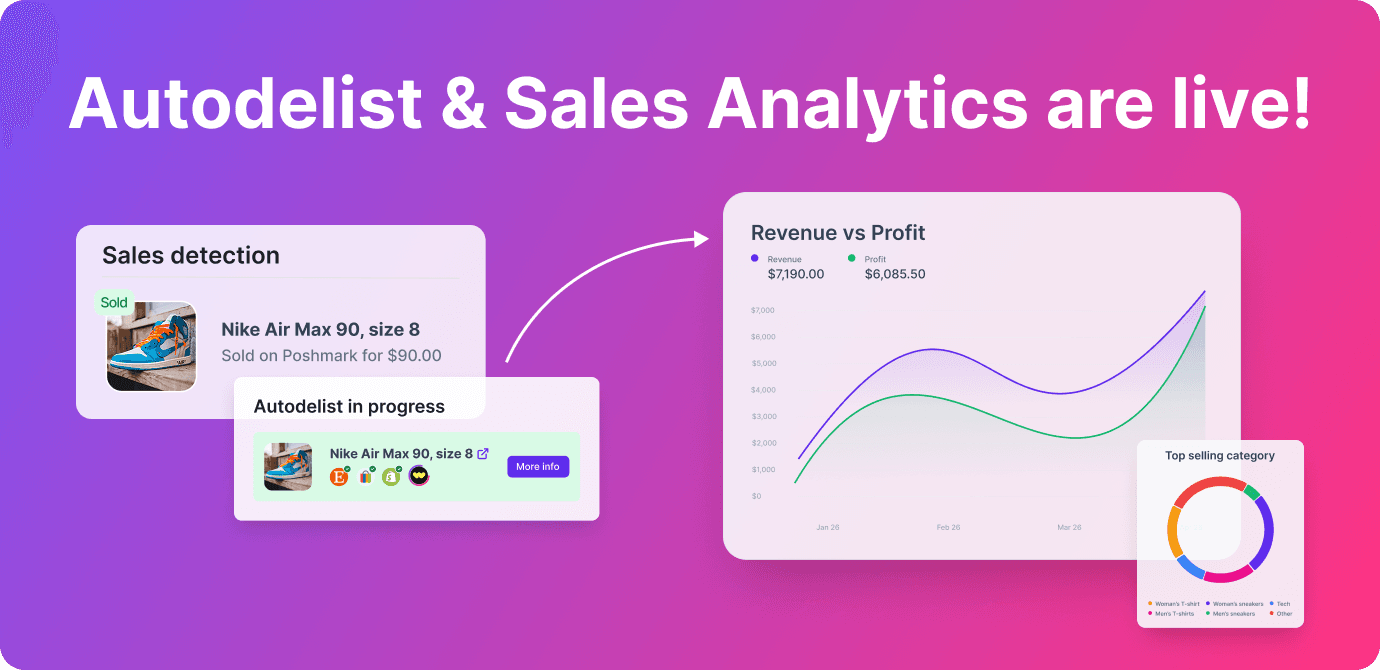
Two of our most requested features are now available in Crosslist: Autodelist and Sales Analytics!
 Autodelist
When an item sells, Crosslist can automatically update your inventory across marketplaces.
That means:
No more double selling
No manual delisting
Inventory stays in sync automatically
Automatically update or remove listings from your other marketplaces
Note: Autodelist and Sales Analytics are available on Gold and Diamond plans.
 Activation required (important)
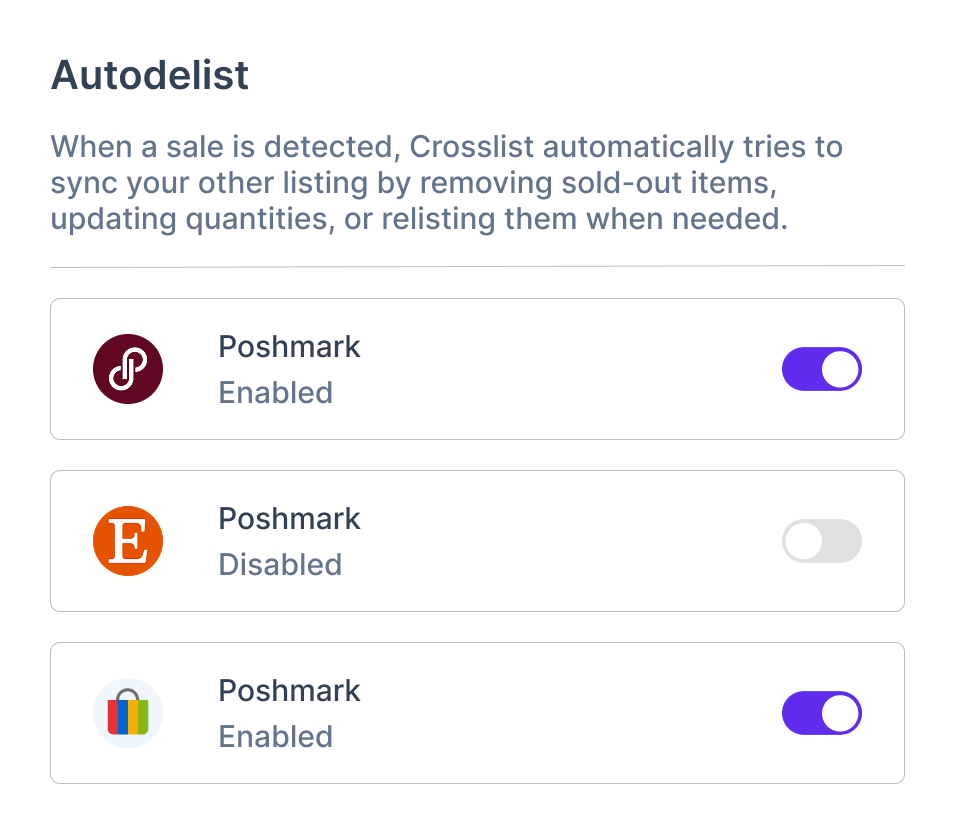
Autodelist is off by default. To enable it, you’ll need to:
→ Go to the Autodelist settings page
→ Toggle it on per marketplace
This gives you full control over where it runs.
 How sales detection works
eBay, Etsy, Shopify, WooCommerce → automatic
Poshmark & other marketplaces → this requires your desktop/browser to be running
If your computer is off, autodelisting won’t happen immediately, it will sync once you're back online.
 Quantity handling (important)
Autodelist doesn’t always mean a listing is fully removed.
If an item sells on one marketplace and if you have multiple quantities of the same item in Crosslist, we’ll decrease the quantity within Crosslist. On the other marketplaces that have this item, we’ll:
Decrease the quantity if that marketplace supports quantity
Do nothing if the marketplace does not support quantity (the listing simply stays online)
On the marketplace that the item originally sold on, we’ll:
Do nothing if that marketplace supports quantity
Relist the item if that marketplace does not support quantity and you still have more than 1 in Crosslist EXCEPT for Vinted where relisting sold items is not allowed
 Sales analytics
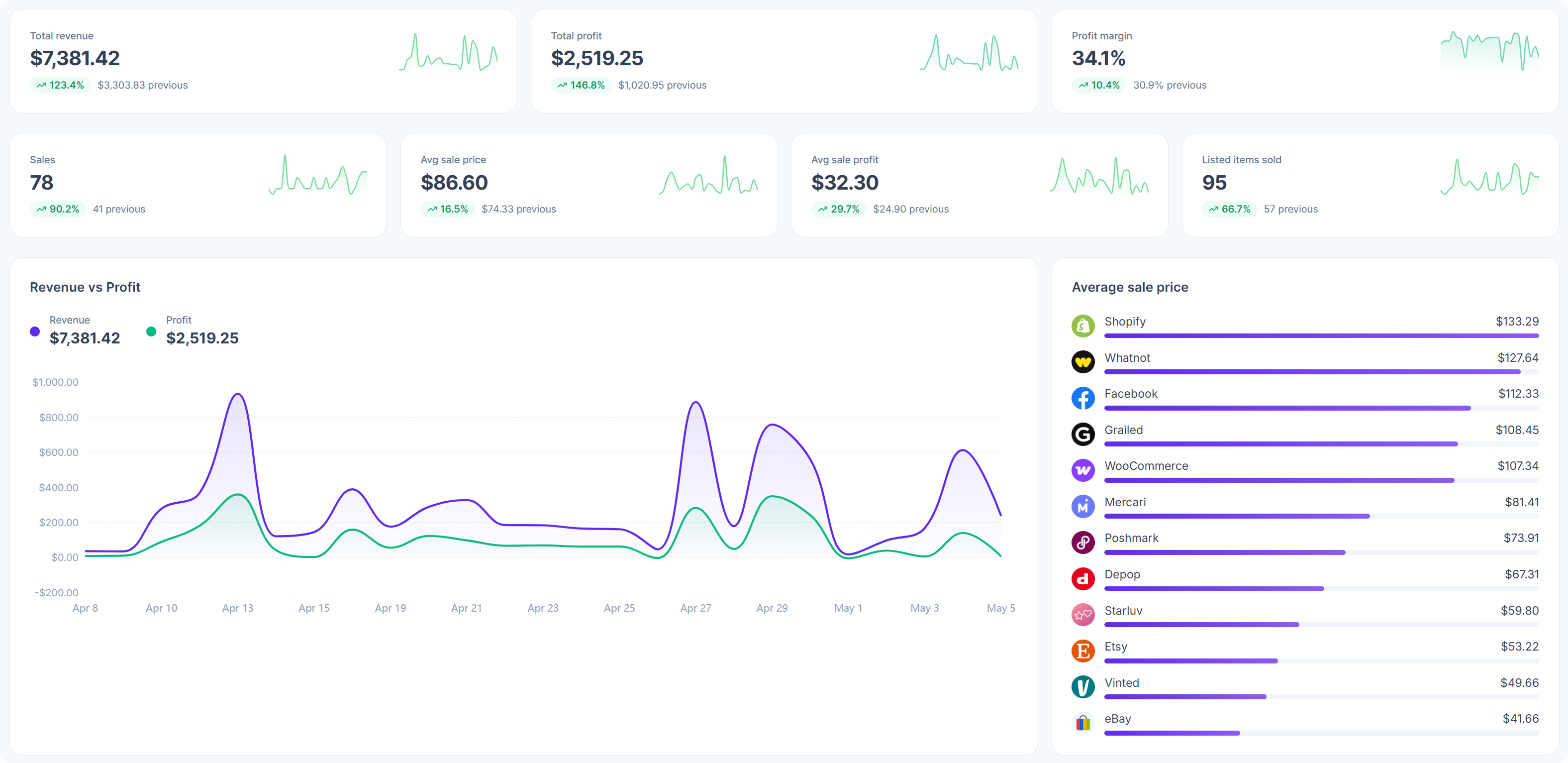
You’ll also see a new Sales overview and analytics page in your dashboard so you can track your sales, profit, and marketplace performance in one place.
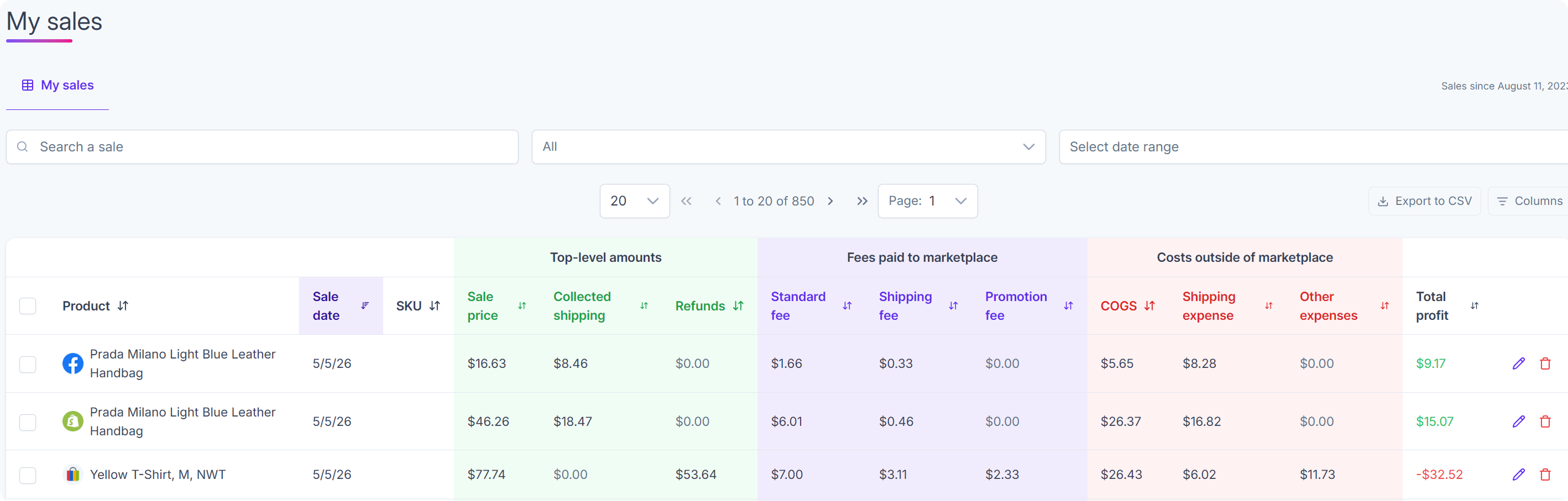
Track:
Detected sales
Your sales activity across marketplaces
Sales insights
Profit and loss
Available on Gold and Diamond plans.
To access Autodelist and Sales Analytics, you’ll need to install the latest version of the Crosslist extension:
Ready to get started? Enable Autodelist in your settings and check out your new Sales Analytics dashboard.
Thank you for all the feedback from our beta testers that helped shape the final product!